The reel maker app that edits to the beat.
Pick a look, drop your shots. ReelXo cuts your photos and clips to the music and hands you a reel that's ready to post.
Free on iPhone and Android · No watermark · No account needed







4 photos, 1 song.
That's the whole edit.
Made for Instagram Reels, TikTok, YouTube Shorts and WhatsApp Status.
Template studio
Reel templates that do the editing for you
Each one is a finished edit: cuts, motion, captions, music. Swap in your own shots and it's yours.
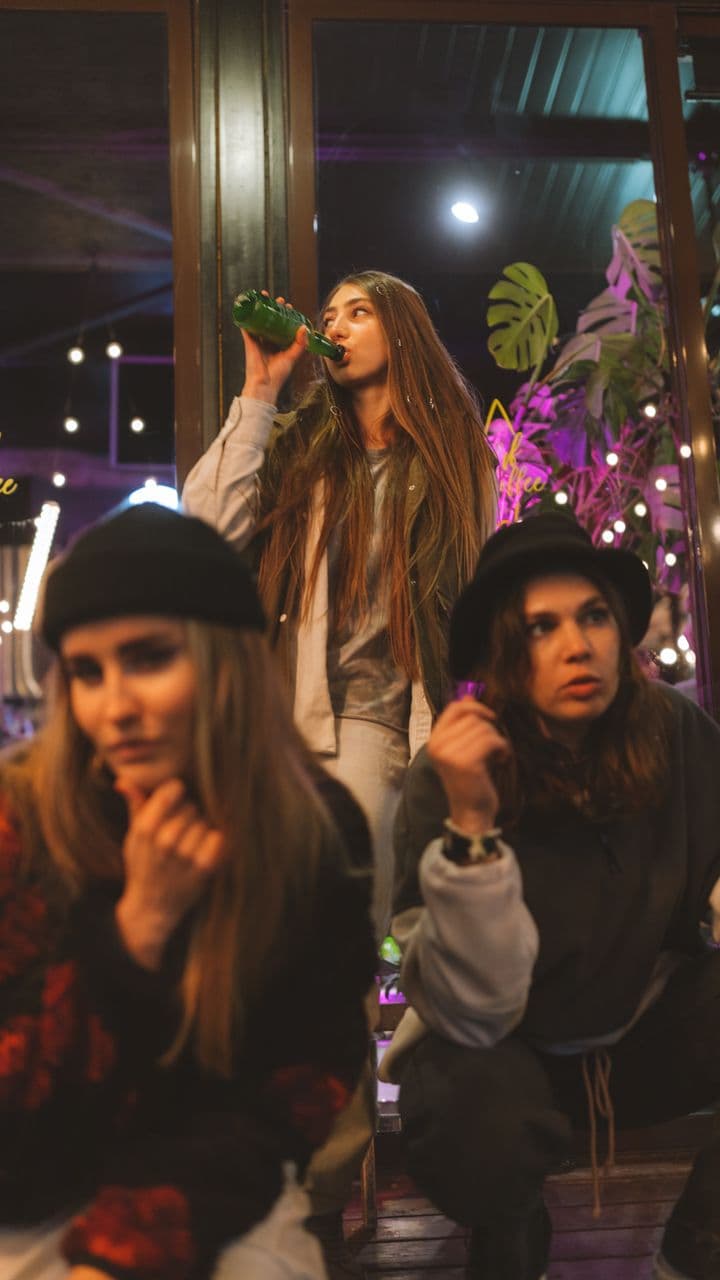
After DarkFriendshipUse Neon frames and strobes that hit on the beat. For the night out.
WanderloveLoveUse A road trip for two, laid out along the side of a van.




Golden FiftyBirthdayUse Black and gold, spinning stars. Made for the big birthdays.
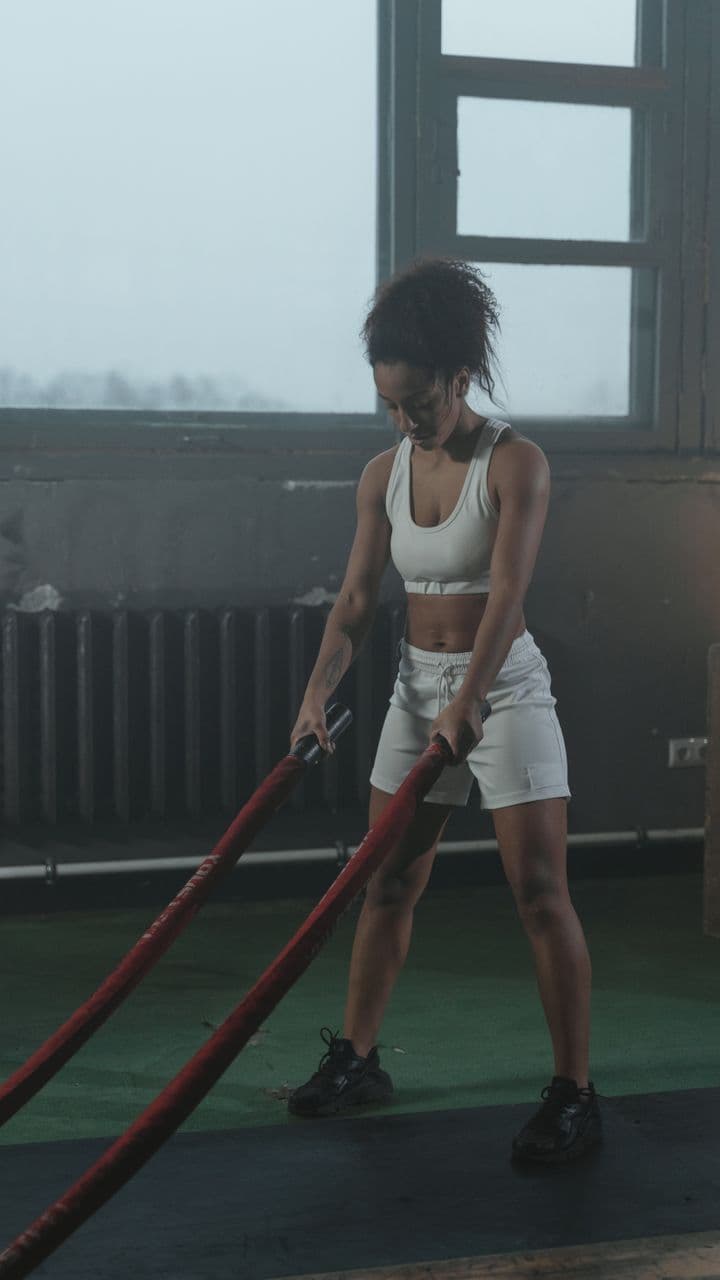

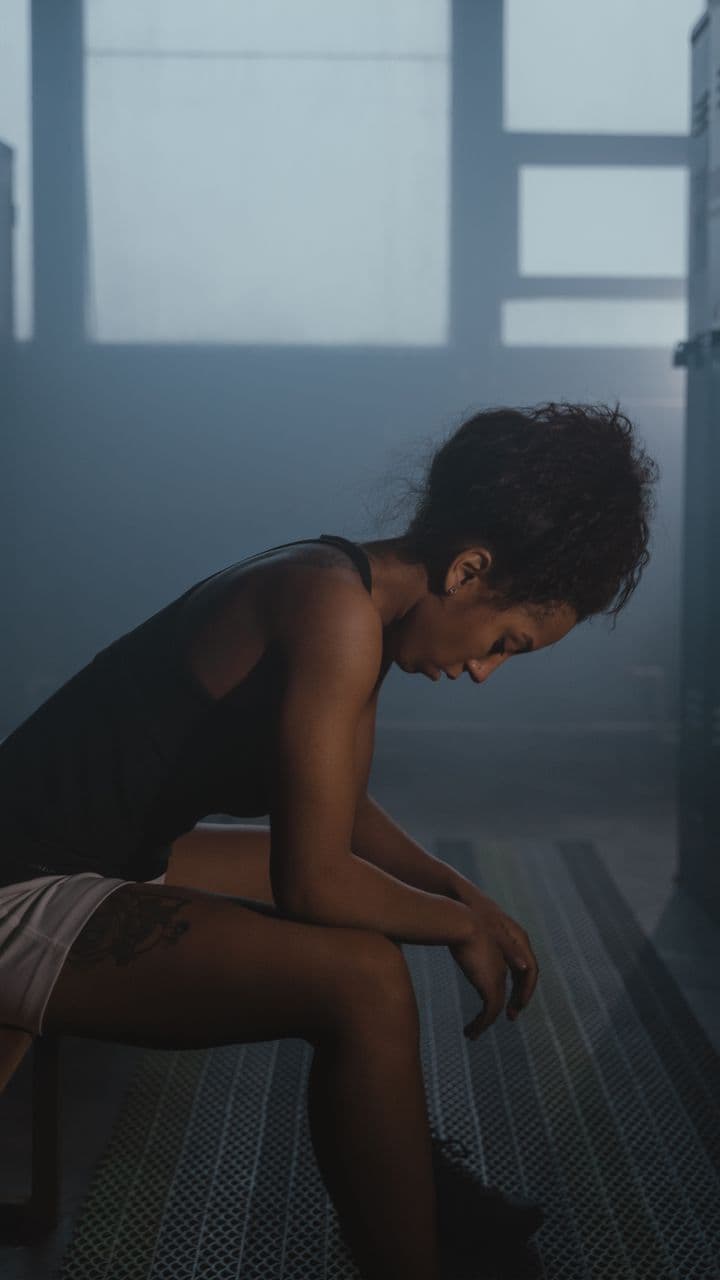
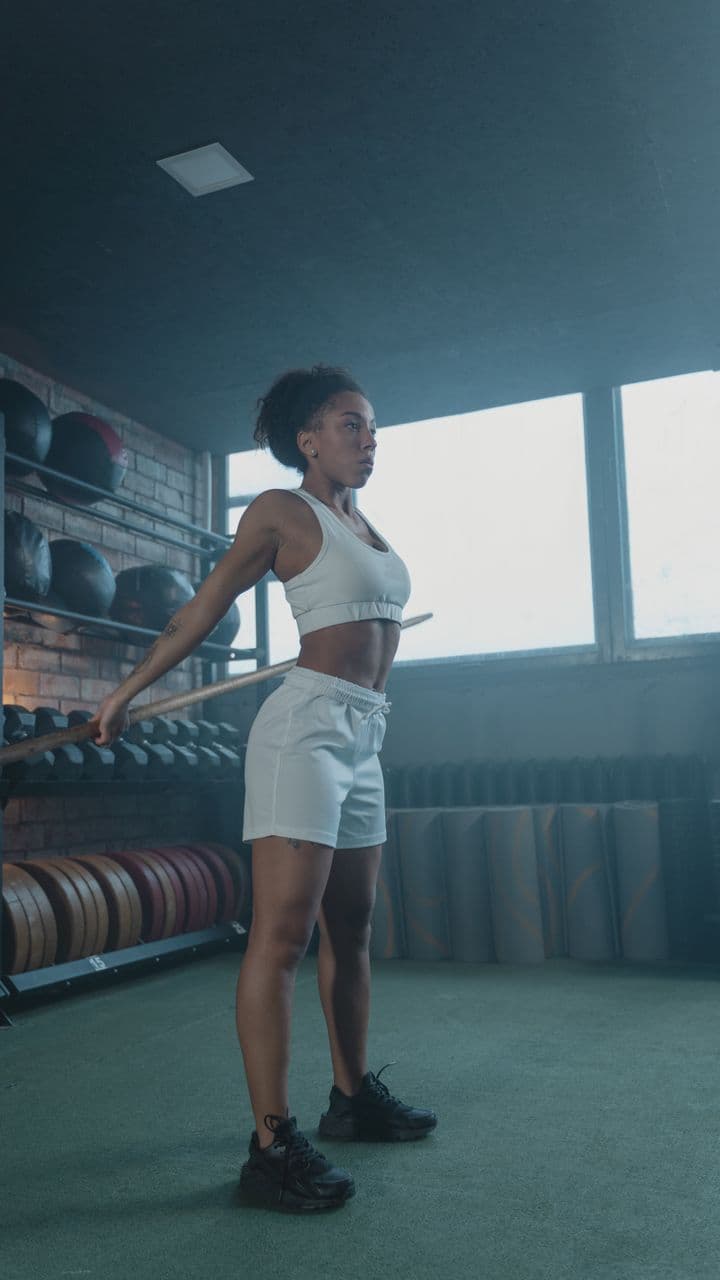
Iron HourFitnessUse Hard black-and-white cuts with red slashes on every drop.

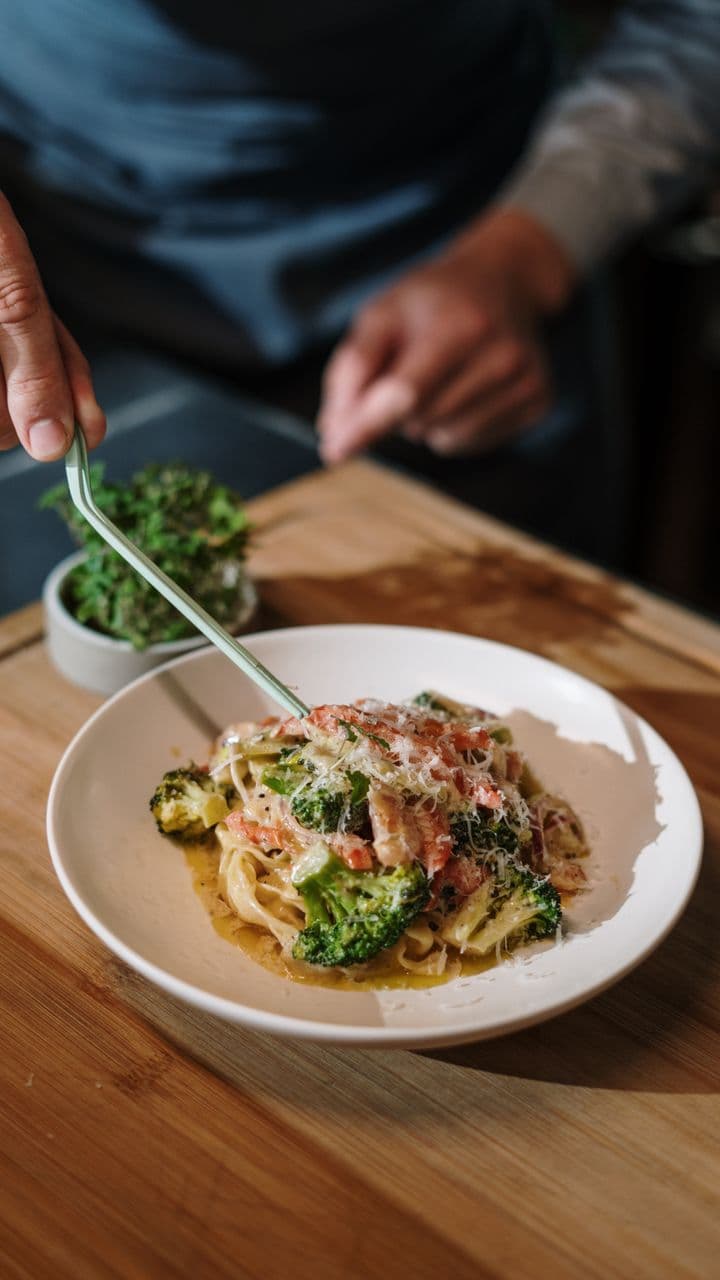
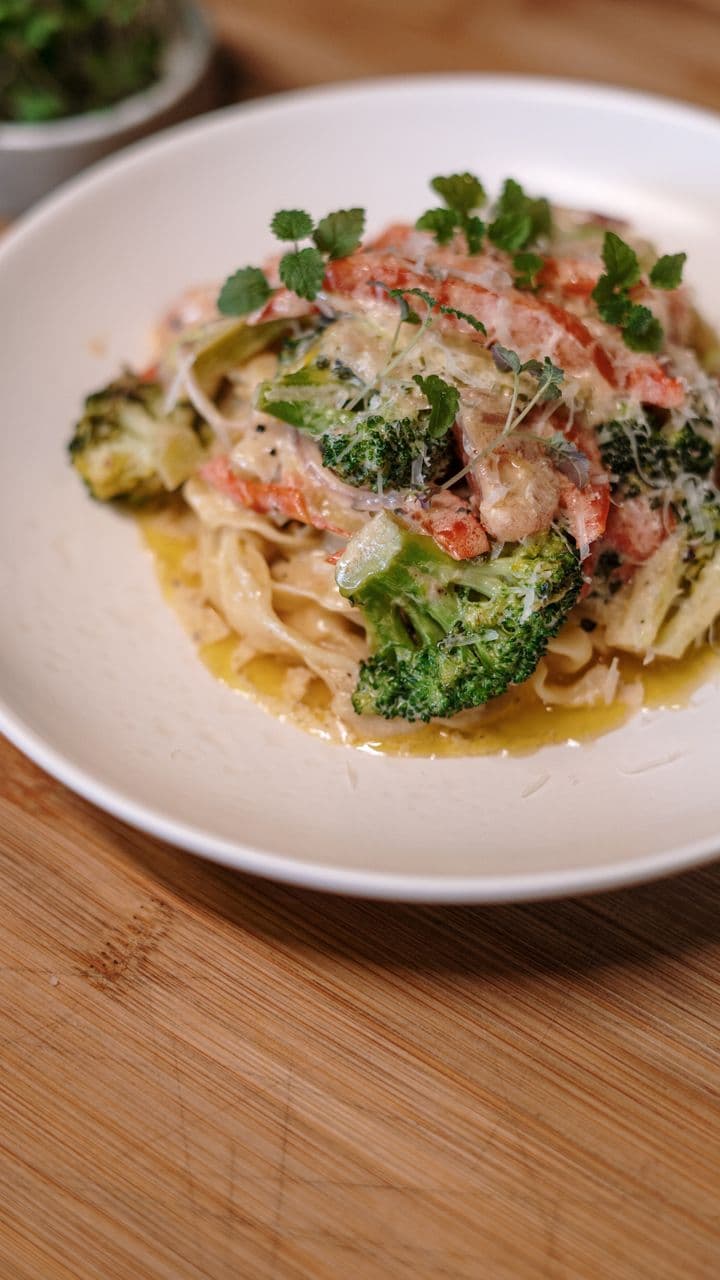
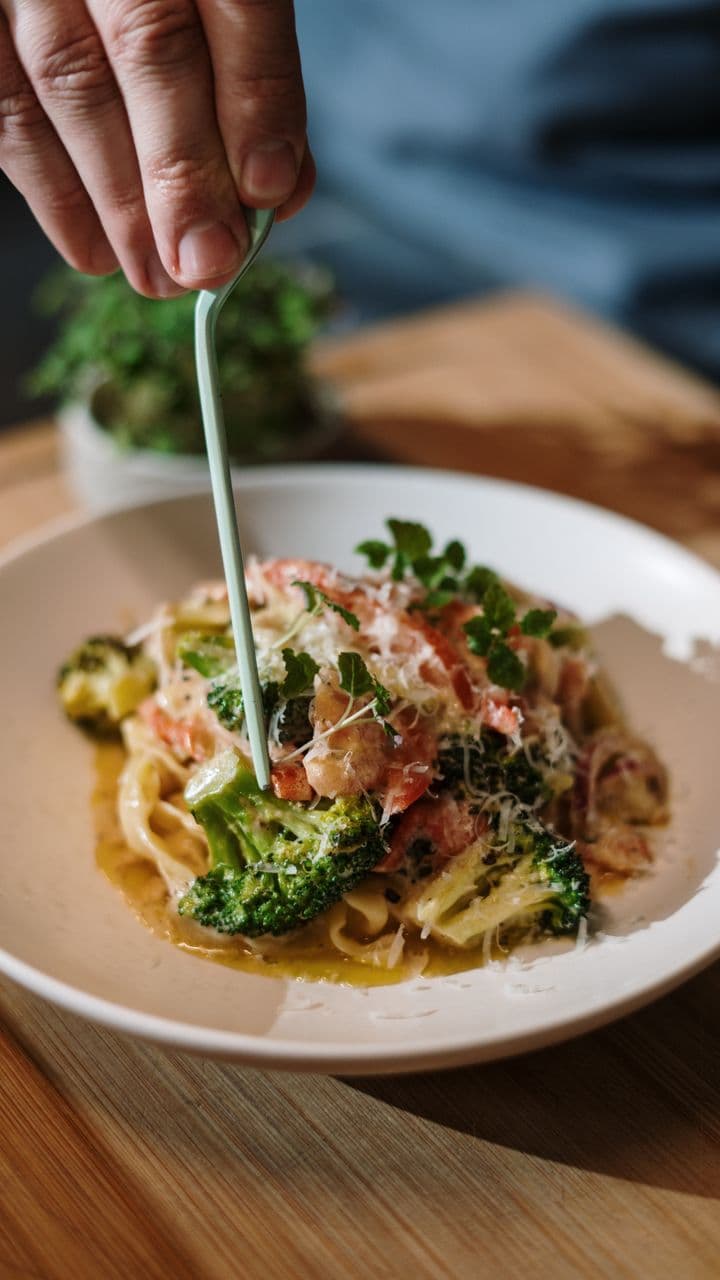
Chef's TableFoodUse Chop, stir, plate, serve. Each word lands with its shot.




Cap TossGraduationUse A yearbook page in black and white that bursts into colour.




Bangkok DiariesTravelUse A city-trip diary with a yellow stamp on every stop.
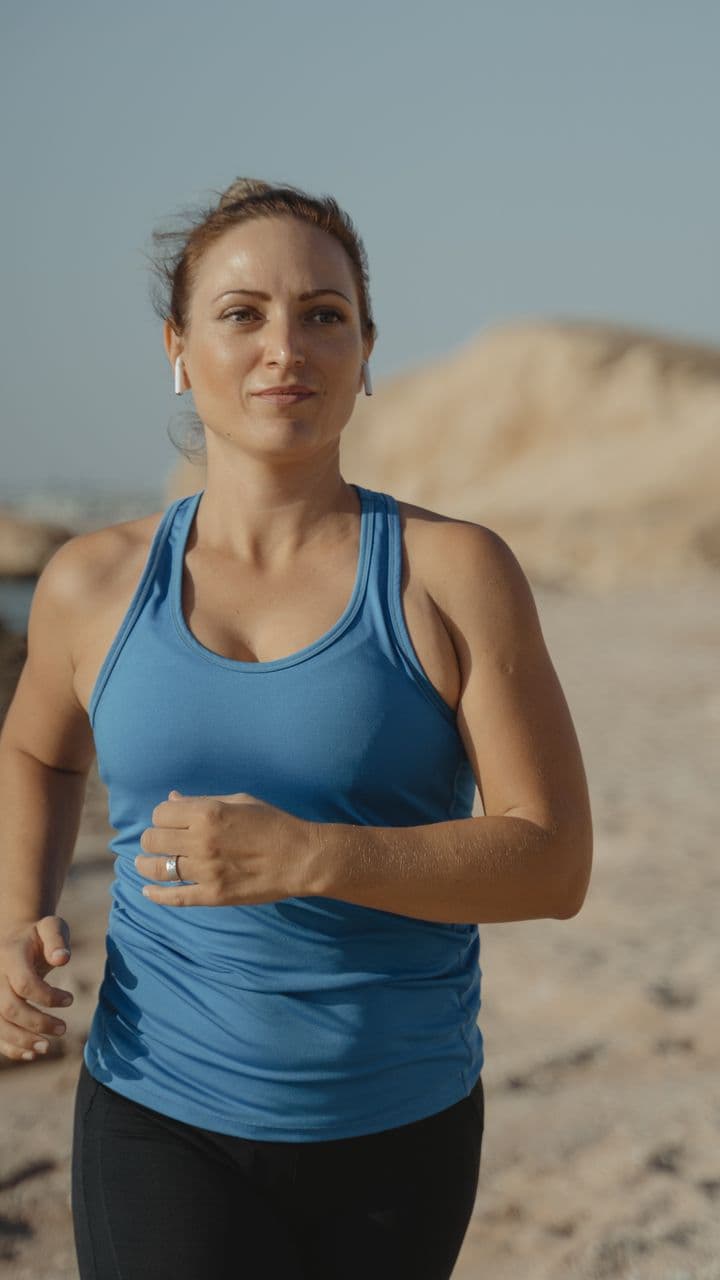
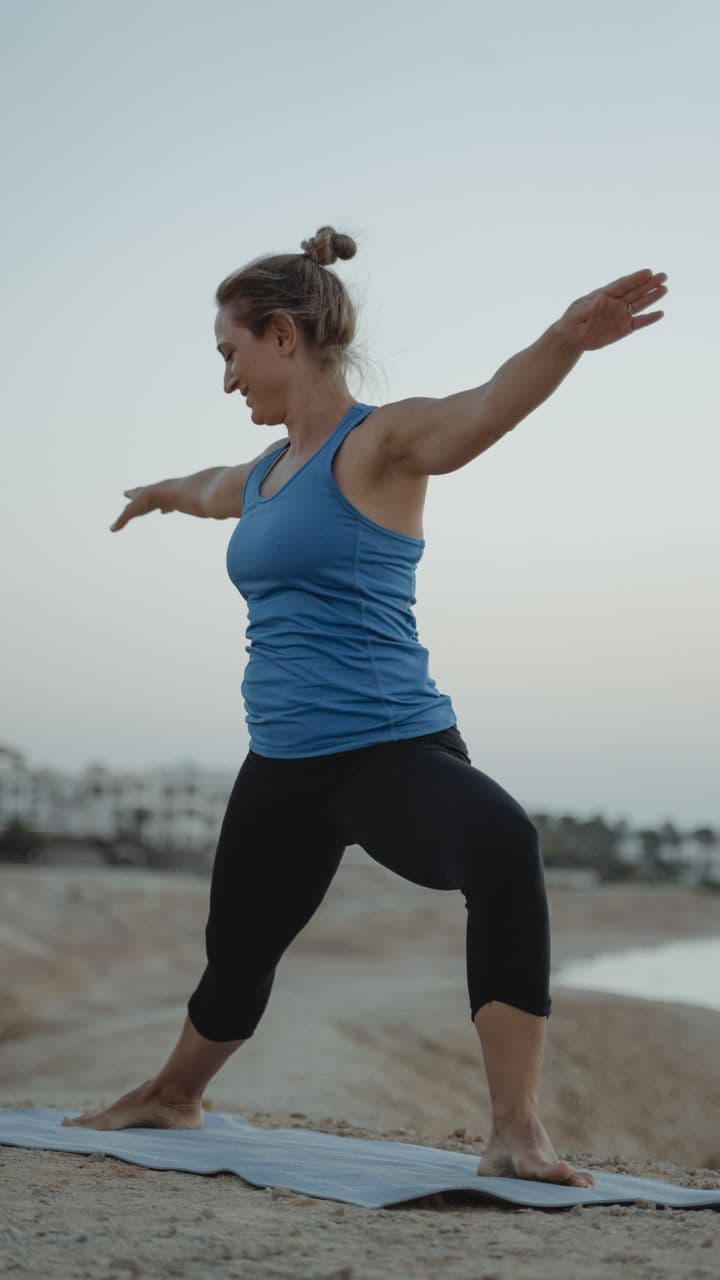

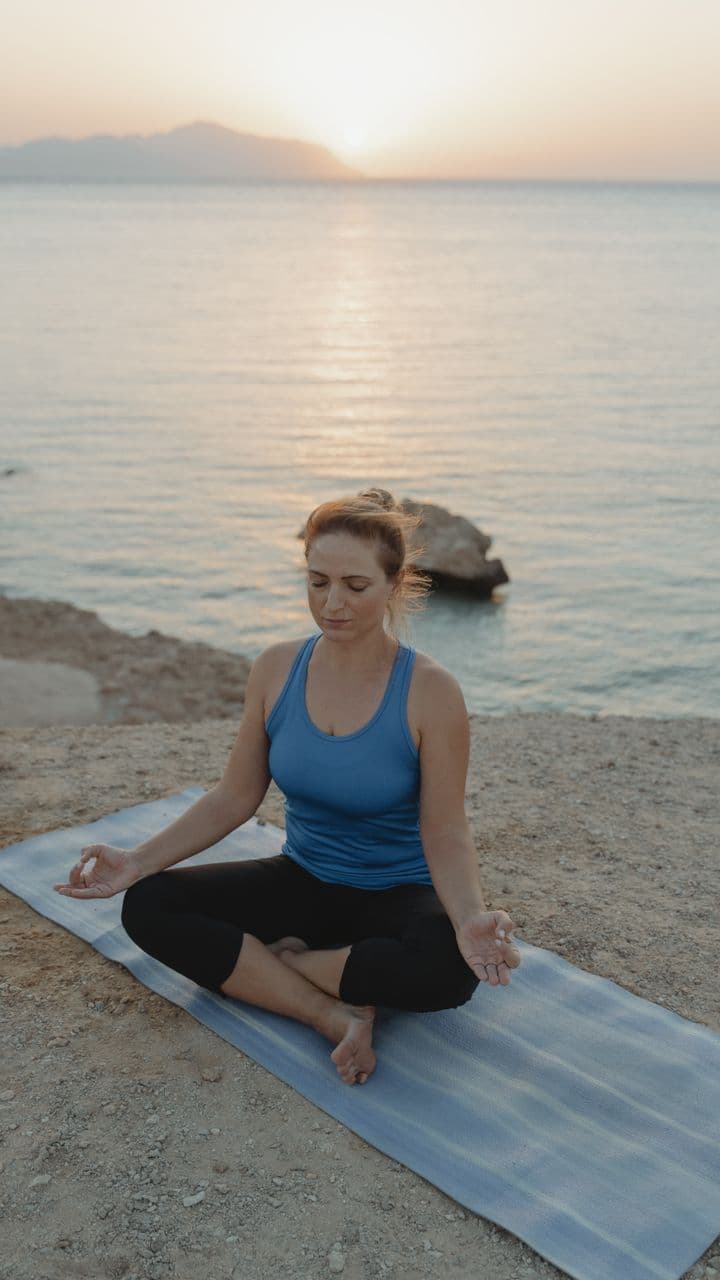
Shoreline FlowWellnessUse Sunrise by the sea. Grey melts into colour, slowly.




Sunny PawsPetsUse Bouncy tiles and paw prints for your best boy (or girl).




Be MineLoveUse Eight photos around a beating heart. Valentine's, sorted.
How it works
How to make a reel in three steps
From camera roll to a reel you're proud to post, in about a minute.
- 01
Pick a look
Templates are sorted by moment: birthdays, trips, graduations, the gym. Each one plays live, so you see exactly what you're getting.
- 02
Drop your shots
Choose photos and clips from your gallery or camera. ReelXo fills the slots, cuts on the beat and gives your stills a slow push-in.
- 03
Post it
Tweak anything you like, export in HD with no watermark, and share straight to Reels, TikTok or Shorts.
Features
A reel editor app that does the boring parts
Templates when you want it done for you. A real timeline when you don't. Same app.
- 50+
Templates that do the editing
Over 50 of them. Timing, transitions and captions are already set. You bring the photos.
- Aa
Captions that light up word by word
Karaoke-style captions follow the voice or the beat, one word at a time. Retime any word with a drag.
- 1 tap
Auto-edit in one tap
Got a pile of clips and no plan? Pick Punchy, Cinematic, Clean or Retro and ReelXo makes the first cut for you.
- 34 + 37
Transitions & effects
Whip pans, zoom blur and iris wipes. Ken Burns, glitch, strobe and old-film looks. Use a lot, or none.
- Whip pan
- Zoom blur
- Iris
- Barn doors
- Glitch
- Ken Burns
- Strobe
- Duotone
- Radial wipe
- Faded film
- Pinwheel
- Bleach bypass
- ♪
Music you're allowed to use
Browse a royalty-free library inside the app. Loop a track to fit, fade it in and out, or record a voiceover on top.
A proper timeline when you want one
Scenes, overlays, text and captions each get their own lane. Split, trim, duplicate, undo. Built for a thumb, not a mouse.
- 20+
Text that moves
Typewriter, pop, bounce, blur-in, flip and more than 20 other text animations.
- 1440p
Rendered on your phone
Real MP4 export up to 1440p, right on the device. Your media is copied into the project, so nothing breaks if you clear your camera roll.
Looks
Eight looks. One tap.
Same photo, eight moods. Pick a style and the pacing, transitions and colour follow it.
- Punchy
- Cinematic
- Clean
- Retro
- Glitch
- Party
- Noir
- Dreamy
For every moment
Reels for birthdays, trips, love & the gym
Templates are sorted by the moment you're celebrating, so the right look is two taps away.
Sizes & export
The right reel size, every time
Instagram Reels, TikTok and YouTube Shorts all fill the screen at 9:16, which is 1080 × 1920. Pick a format once and every clip is framed for it.
| Format | Pixels (HD) | Best for |
|---|---|---|
| 9:16 Reel | 1080 × 1920 | Instagram Reels, TikTok, YouTube Shorts, Stories |
| 4:5 Portrait | 1080 × 1350 | Instagram and Facebook feed posts |
| 1:1 Square | 1080 × 1080 | Feed posts, WhatsApp status, ads |
| 16:9 Landscape | 1920 × 1080 | YouTube, presentations, TV |
- 720pStandardQuickest to make and send
- 1080pHDThe one for sharing
- 1440pMaxThe sharpest it gets
Download
Get ReelXo, the free reel maker app.
Point your phone camera at a code, or tap your store below.
What is the best reel maker app for beginners?
+
One with templates. The timing, transitions and captions are already done, so your first reel looks finished. In ReelXo you pick a template, add the photos or clips it asks for, and you're done. The full editor is there when you want more control.
How do I make a reel with photos and music?
+
Open ReelXo, pick a template or tap Create, and select your photos. Choose a track from the built-in royalty-free library. ReelXo cuts your photos to the beat and adds gentle motion to each one. Fade the music in or out if you like, then export.
Is ReelXo free, and does it add a watermark?
+
ReelXo is free to download on Android and iPhone, and your exported reels have no watermark. The MP4 you share is exactly what you saw in the preview.
What size should an Instagram Reel be?
+
Instagram Reels fill the screen at 9:16, which is 1080 × 1920 pixels. ReelXo's Reel format exports at exactly that size in HD. There are also 4:5, 1:1 and 16:9 formats for feed posts and YouTube.
Can I add captions that highlight word by word?
+
Yes. Karaoke captions light up each word as it's spoken or sung, and you can retime any word on the caption lane of the timeline.
Does ReelXo work for TikTok and YouTube Shorts too?
+
Yes. TikTok, YouTube Shorts and Instagram Reels all use vertical 9:16 video, so one ReelXo export works on all three. Share it straight from the export screen.
Is the music in ReelXo copyright-free?
+
The in-app library only includes openly licensed, royalty-free tracks you can use in your reels. Each track shows its licence in the app. Some ask for a credit line, which you can paste into your caption.
Do I need an account to make a reel?
+
No. You can import media, apply a template, edit and export without signing up. Projects are saved on your phone and autosave as you go.